

The Essential Windows 11 Security Checklist to Keep Your Computer Safe
Download and use this free guide to ensure your Windows 11 system is secure and protected against threats. Although Windows 11 does a good job at keeping your...
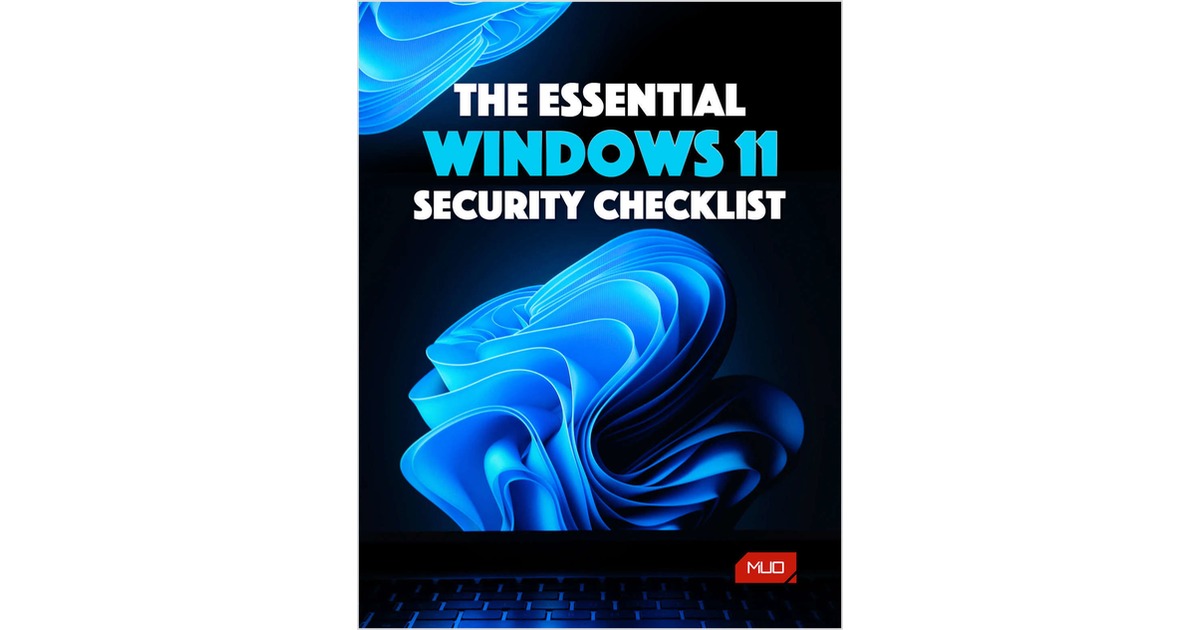
Executive Abstract
Although Windows 11 does a good job at keeping your device secure by default, there are extra steps you can take to ensure it remains protected. From setting a strong password to scheduling Windows updates, these measures can help to prevent dangerous or malicious software from ruining your system.
Whether you've just purchased a new Windows 11 computer or have been using the operating system for a while, you're bound to learn something new with our security checklist.
It's free to download and perfect to share with friends and family.

Unlock Report Access
Complete this brief form for instant PDF access.
Related Executive Research
 Guide
Guide
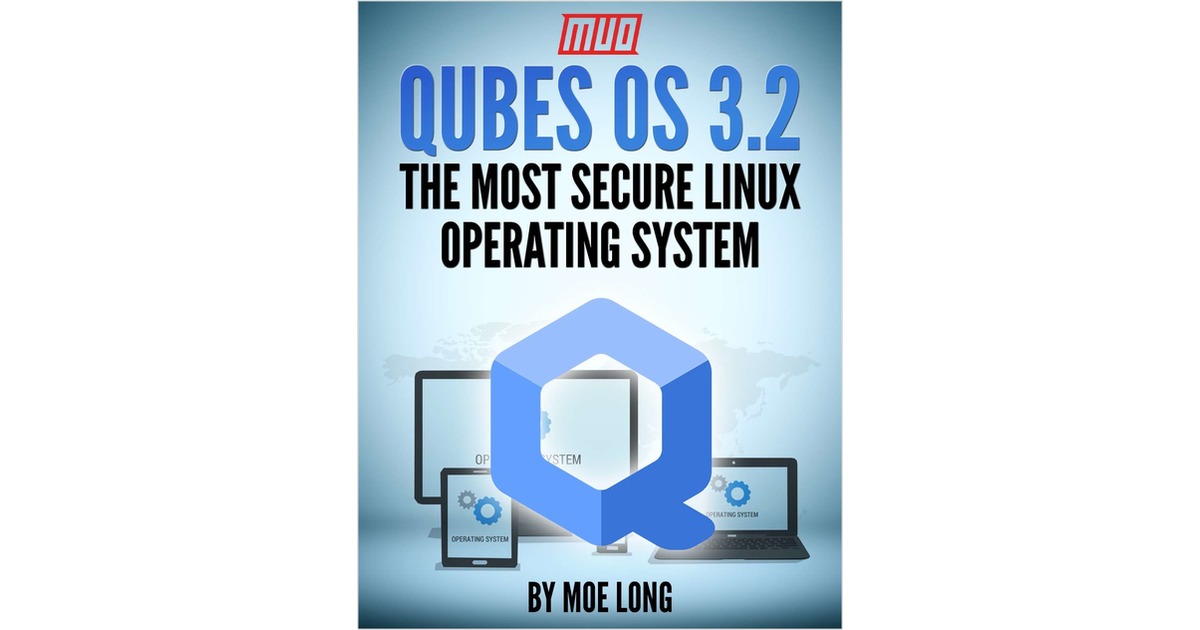
Qubes OS 3.2 - The Most Secure Linux Operating System
By downloading this free guide, you agree to receive regular updates on the latest cool apps, product reviews, and giveaways from MakeUseOf. There’s no short...
 Guide
Guide
The Linux User's Toolkit for Discovering New Apps
By downloading this free guide, you agree to receive regular updates on the latest cool apps, product reviews, and giveaways from MakeUseOf. With a few excepti...
 Guide
Guide
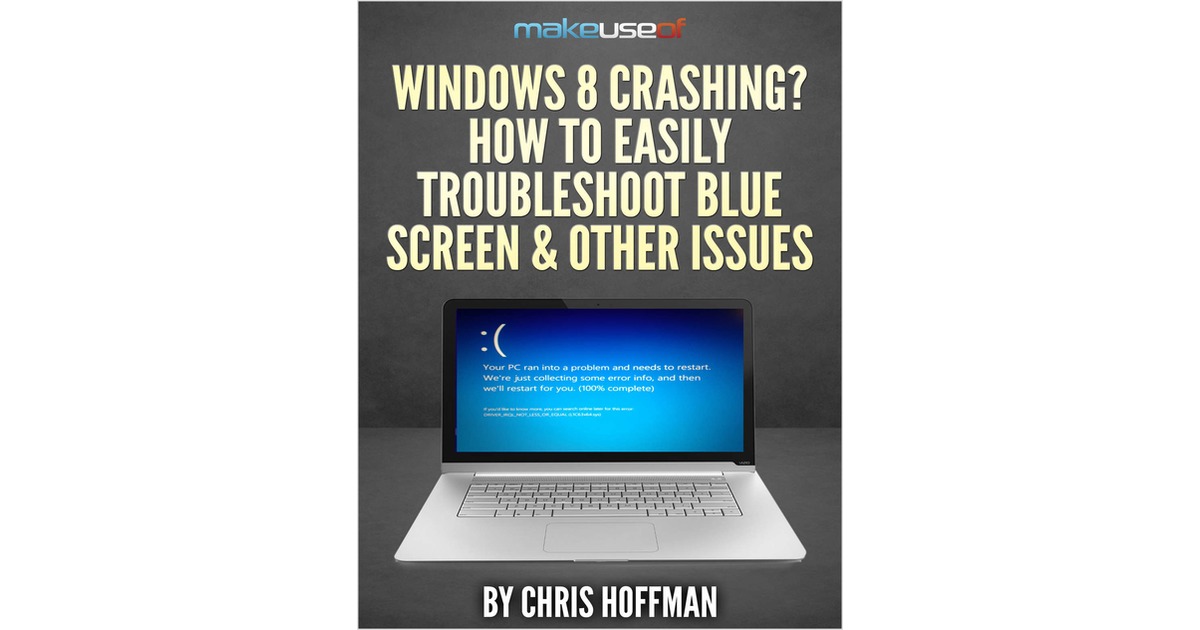
Windows 8 Crashing? How To Easily Troubleshoot Blue Screen & Other Issues
By downloading this free guide, you agree to receive regular updates on the latest cool apps, product reviews, and giveaways from MakeUseOf. Most blue screens...